Morse Code Converter
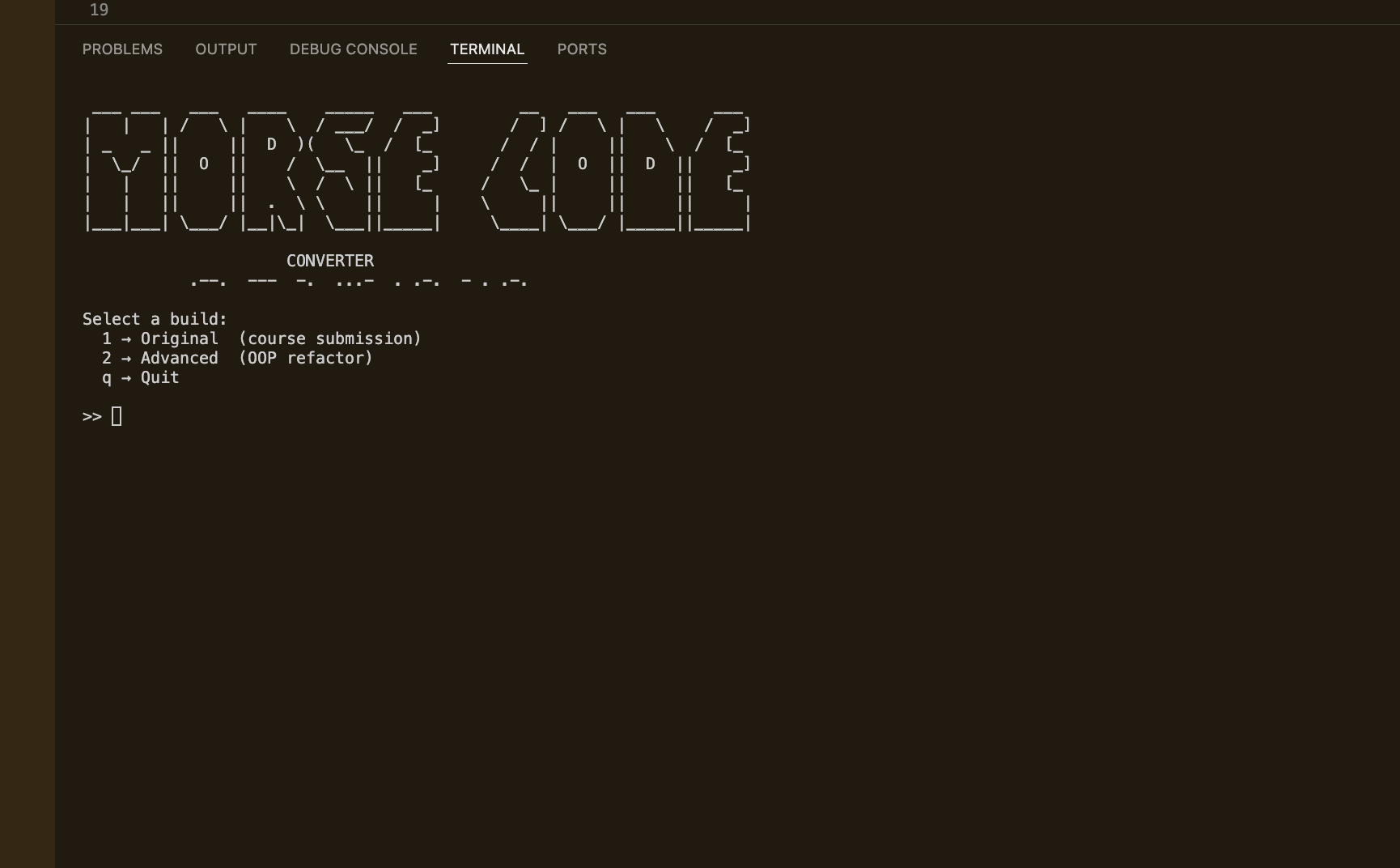
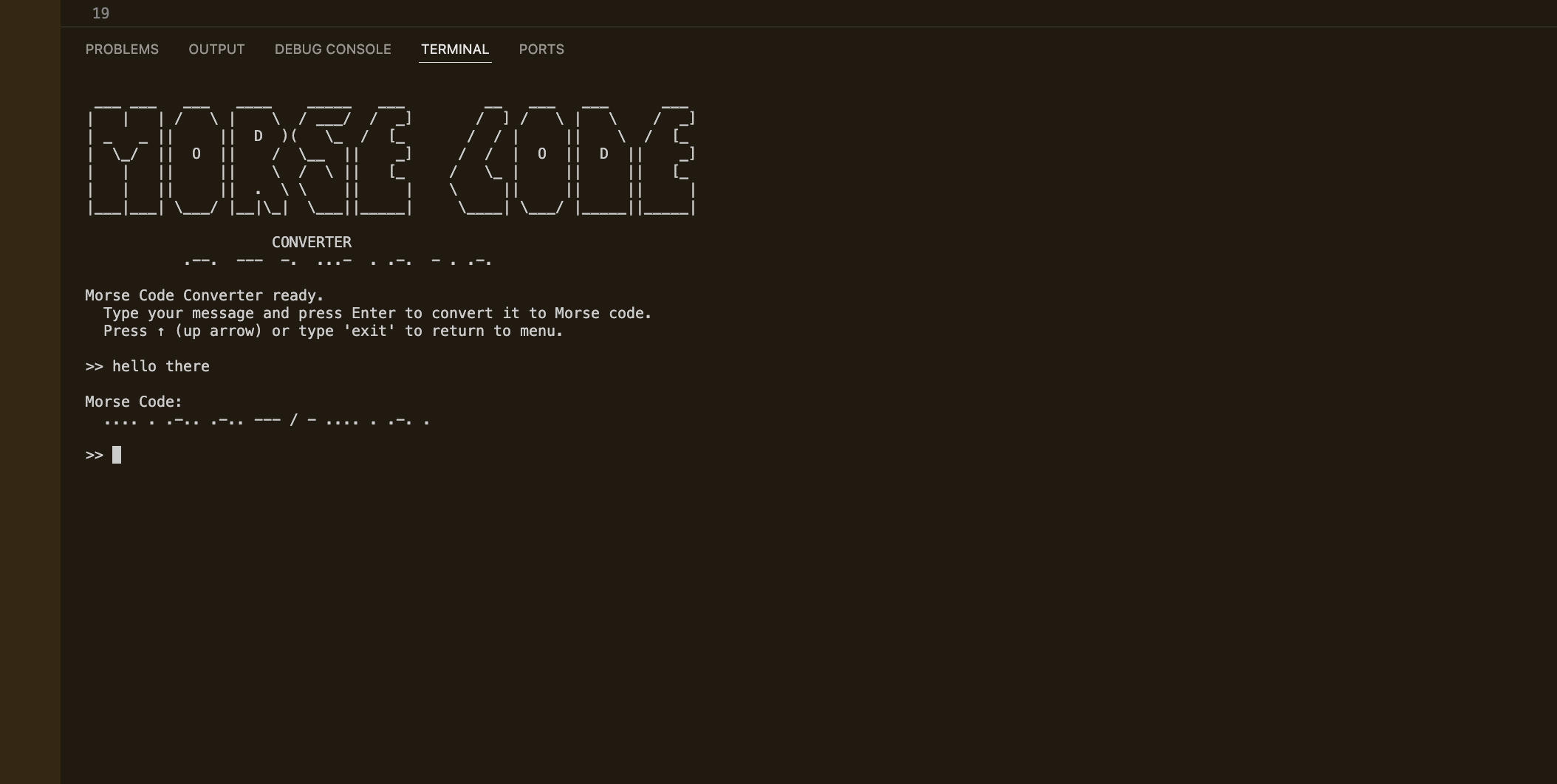
Morse Code Converter is a Python CLI project built as Day 82 of 100 Days of Code. It ships two builds side-by-side: the original course submission using a functional style, and an OOP-refactored advanced version with a polished terminal experience. A shared menu launcher ties them together, clearing the screen, printing an ASCII logo, and handing off to whichever build you choose. The project is a deliberate comparison of the same feature designed at two different levels of software craft.
Quick Facts
Overview
Problem
Learning resources often give you a working script and call it done — but a working script and a well-designed program are very different things. The original course assignment produces code that works, but it buries magic strings throughout the codebase, mixes input and output with business logic, and gives the user no clean way to exit or navigate between tools. There was no way to compare both approaches side-by-side in a single repo, and no launcher to make the experience feel like a real application. Running individual scripts directly also meant import paths broke the moment files moved around, which is a quiet but very real source of friction.
Solution
I built a two-build repository with a shared menu.py launcher that uses subprocess.run() with cwd= to solve the import-path problem cleanly — no installed packages or relative imports needed. The advanced build separates all I/O into a Display class, all constants into config.py, and all conversion logic into a MorseConverter class, so none of the three have any knowledge of each other. The launcher clears the screen, prints the ASCII logo, and hands off to the chosen build, which then runs as its own isolated process. The original build stays completely verbatim — a deliberate constraint that makes the two-build comparison honest.
Challenges
The trickiest part was detecting the up arrow key as a return-to-menu signal without pulling in any third-party library. Normal input() never sees arrow keys — readline intercepts them before Python does. Switching the terminal to raw mode with termios and tty meant I had to manually handle everything: echoing typed characters, backspace, Enter (which arrives as \r in raw mode, not \n), and Ctrl+C. The up arrow is a three-byte escape sequence (\x1b[A), so I had to read one character at a time and branch accordingly. The final wrinkle was that tcgetattr crashes when stdin is a pipe rather than a real TTY, which I only discovered during smoke testing — so I added an isatty() check that falls back to plain readline automatically.
Results / Metrics
This project shows I can take a course exercise and extend it into a structured, portfolio-worthy piece of software without losing sight of what made the original worth building. I got genuinely hands-on with how raw terminal input works under the hood — something most developers never need to touch — and got comfortable with Python's subprocess module for multi-script orchestration. The two-build structure works well as a teaching artefact: flip between the original and the refactor and the design decisions become self-evident. If I were to keep going, I'd add punctuation to the Morse dictionary and a reverse mode that converts Morse back to text.
Screenshots
Click to enlarge.
Click to enlarge.